One link.The routeis ready.
Your GPX tracks, routes and rides open in Revva, ready to ride with turn-by-turn guidance. A link is all it takes; a key adds your name and your stats.
Free No developer needed: a link is enough Revva installed or not 12 languages
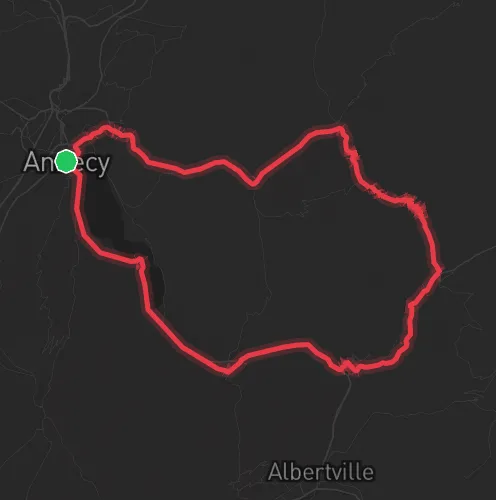
What the rider sees
Whether Revva is installed or not, your link leads to the same place: the route, ready to ride.
-
They open your link
A page with the map, distance, riding time and elevation, and your name. On a computer, a QR code sends the route to their phone.
-
They install Revva if needed
Without the app, they go through the App Store or Google Play and sign up. When they first open it, your route is waiting.
-
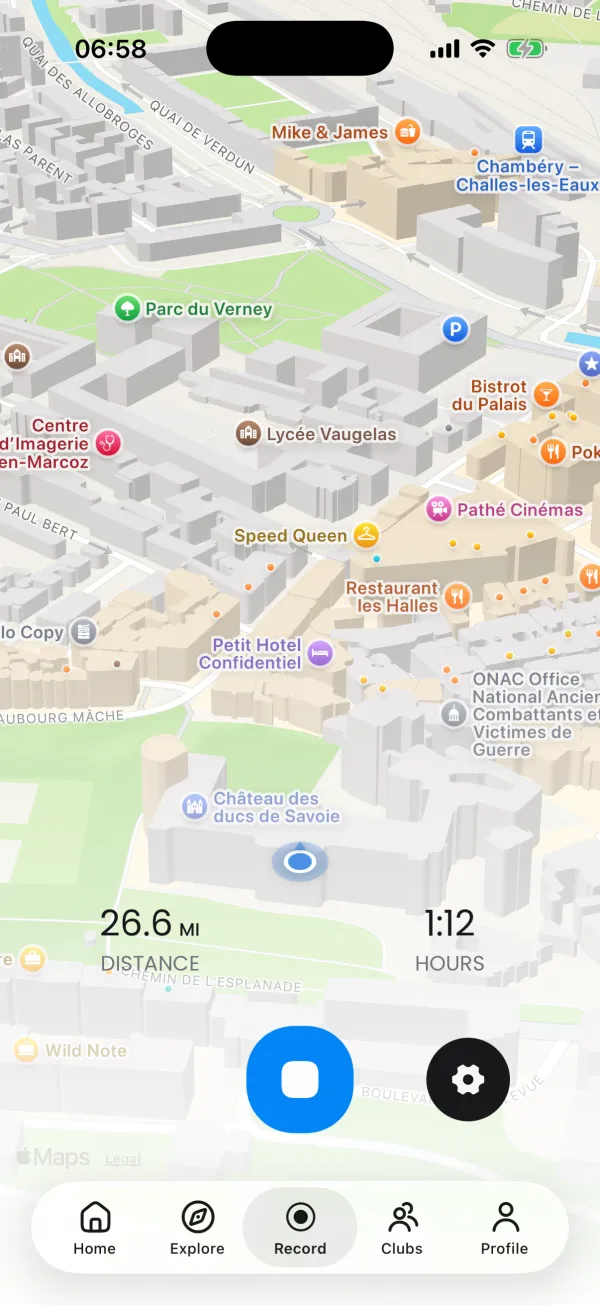
They ride
The route opens in the Ride tab: they tap “Go” and Revva guides them turn by turn, by voice in the intercom, while recording their ride.
Create your link
Pick a source, fill it in, copy. The builder runs the same check as revva.app: a link that passes here works everywhere. The full format is described in the API.
No website to host your GPX, or one that blocks downloads?
With your key, the link carries your name
- “Shared by your club” and your logo, on the page and in the app
- Your stats: page views, visitors and rides, by ref
Generated link https://revva.app/go?gpx=https://your-site.com/aravis.gpx&title=Tour+des+Aravis
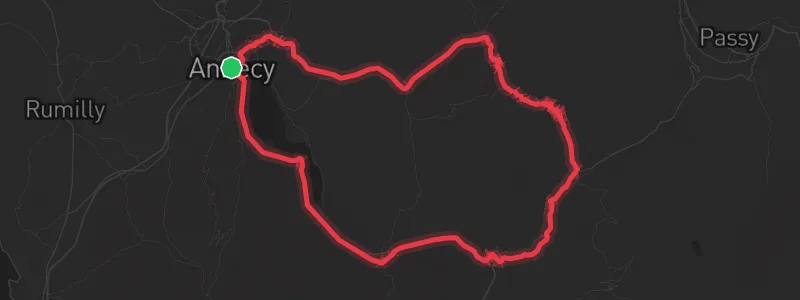 © Mapbox © OpenStreetMap
The QR code follows the link. Put it on a ride flyer or a welcome screen: it opens Revva on the rider’s phone.
Add the badge
Put it next to your GPX download button: it carries the link above, light or dark.


Your logo and your stats
Your links already work without a key; a key adds your name, your logo and your stats. Create your keys on my.revva.app with your Revva account.
Public key
In your links. It shows your name and logo, and ties the stats to your key. It opens no access.
Secret key
For the API, server side only. Shown once at creation, can be regenerated at any time. Read it from an environment variable, REVVA_SECRET_KEY.
- Key created
- Links and API live
- Branding review
- Name and logo shown to riders
The review protects riders from impersonation: it usually takes less than a day. Your links work as soon as the key exists.
The API builds your links, hosts your roadbooks and returns your stats. See the REST API
Questions
Does it cost anything?
No. Links, keys and the API are free. The limits protect the service; they are not a plan.
What do you see of my riders?
Daily totals: views, app opens, rides started. Never a rider, a position or an individual trip.
My GPX changes often. Does the link follow?
Yes: a gpx link reads your file again every 24 hours. A hosted roadbook changes its title or description with PATCH; for a new track, create it again.
And with no signal in the mountains?
Once opened in Ride, the route stays on the phone. Guidance goes on without a network.
Sign your routes
Your logo on every link, plus your stats. Free, in 2 minutes.